Climb into the cockpit of a Cessna 172 and take to the skies around Petaluma Municipal airport in the scenario based eLearning experience
Featured Project: Piloting Petaluma
Audience: Pilots, both new and experiences, who are unfamiliar with the procedures of Petaluma Municipal Airport.
Tools Used: Articulate Storyline, Mind Meister, Google Maps, ChatGPT, Claude AI.

The Problem
It’s no secret that learning to fly is hard. It also shouldn’t come as a surprise that pilots continue to hone their skills long after they have received their Pilot’s License. This can take many forms such as getting additional certifications like multi-engine, commercial, or the infamous IFR rating. But a fair amount of this additional education revolves around safety, especially when becoming familiar with a new airport and airspace.
Petaluma Municipal Airport is a non-towered airport meaning there is no Air Traffic Control to direct and guide pilots. This can present unique safety issues including a lack of spacing of aircraft in the traffic pattern and a lack of pilot communication. This also can make it challenging for those who are unfamiliar with the airspace and the procedures of the airport.
The Solution
This course is designed to address a hypothetical scenario that the Petaluma Pilot Center is reporting a larger number of close calls. This is creating dangerous conditions at the airport for pilots flying in and near the airspace. While this situation is hypothetical, this training presents very real scenarios in aviation that can be applied at any non-towered airport across the United States.
In this case, the solution to this problem is to familiarize pilots who are new to the area and establish safe habits, such as communication, through a scenario based eLearning experience.
Concept to Reality
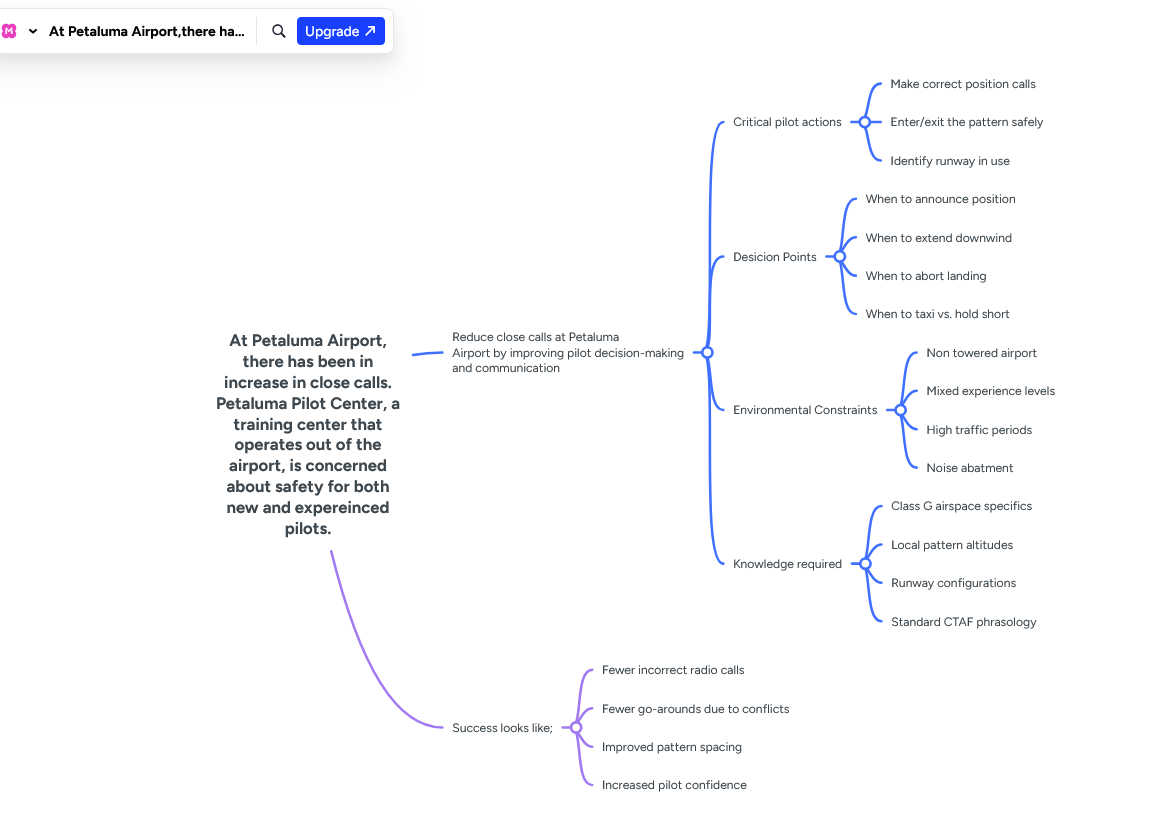
When I started this project, I decided to use a combination of the ADDIE and Understanding by Design models. I created a mind map of the course using Mind Meister and began by identifying what my desired results would be;
Fewer incorrect calls
Fewer go-arounds due to conflicts
Improved pattern spacing
Increased pilot confidence
After identifying what success would look like, I began to map out the rest of the course by identifying key skills that could be taught or reinforced through a scenario based experience that would lead to the desired outcomes. I was able to narrow down these skills through my own experience as a student pilot and discussions with my flight instructor.
From here I began to design my assessment. I created a multiple choice quiz at the end of the course and designed it to address the key skills I had identified as being necessary for success. These questions would then become the basis for the scenarios that I would have the learner encounter during the course. After completing the assessment, I mapped out the full course using a storyboard.
I started by splitting the course into five sections and at least three scenarios per section: Ground Operations, Flying the Pattern, Entering the Pattern, Exiting the Pattern and the Assessment. I put these sections in this order to mimic the work flow of starting on the ground and ending with air work that pilots would be familiar with.
I also decided to include a guide just like how pilots in training fly with a CFI (Certified Flight Instructor) to answer questions, give hints, and help correct mistakes. This was my inspiration for the character of Jim whose icon learners could click on to get hints about how to approach each situation. I also had the majority of the feedback be dialogue from Jim to simulate a flight training experience.
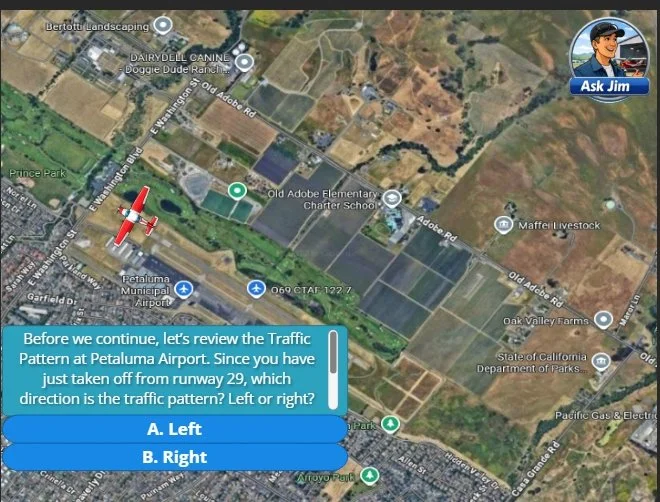
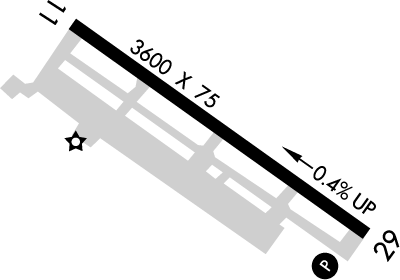
I took inspiration from my own training when creating the scenarios. Ground School for pilots is very visual and I wanted to keep this element in my course to make it more intuitive to pilots. An example of this is the ground section where the background of each scenario is the airport diagram. The learner aircraft is represented by a red Cessna 172 and moved based on the learner’s decision each scenario. This is also present during flying the pattern, and entering/exiting the pattern sections but with a overhead view of the airport and the surrounding roads and terrain. Since navigating the airport and traffic pattern in Petaluma Municipal Airport requires specific turns at visual markers, I wanted to give an accurate visual for each situation to help in their understanding.
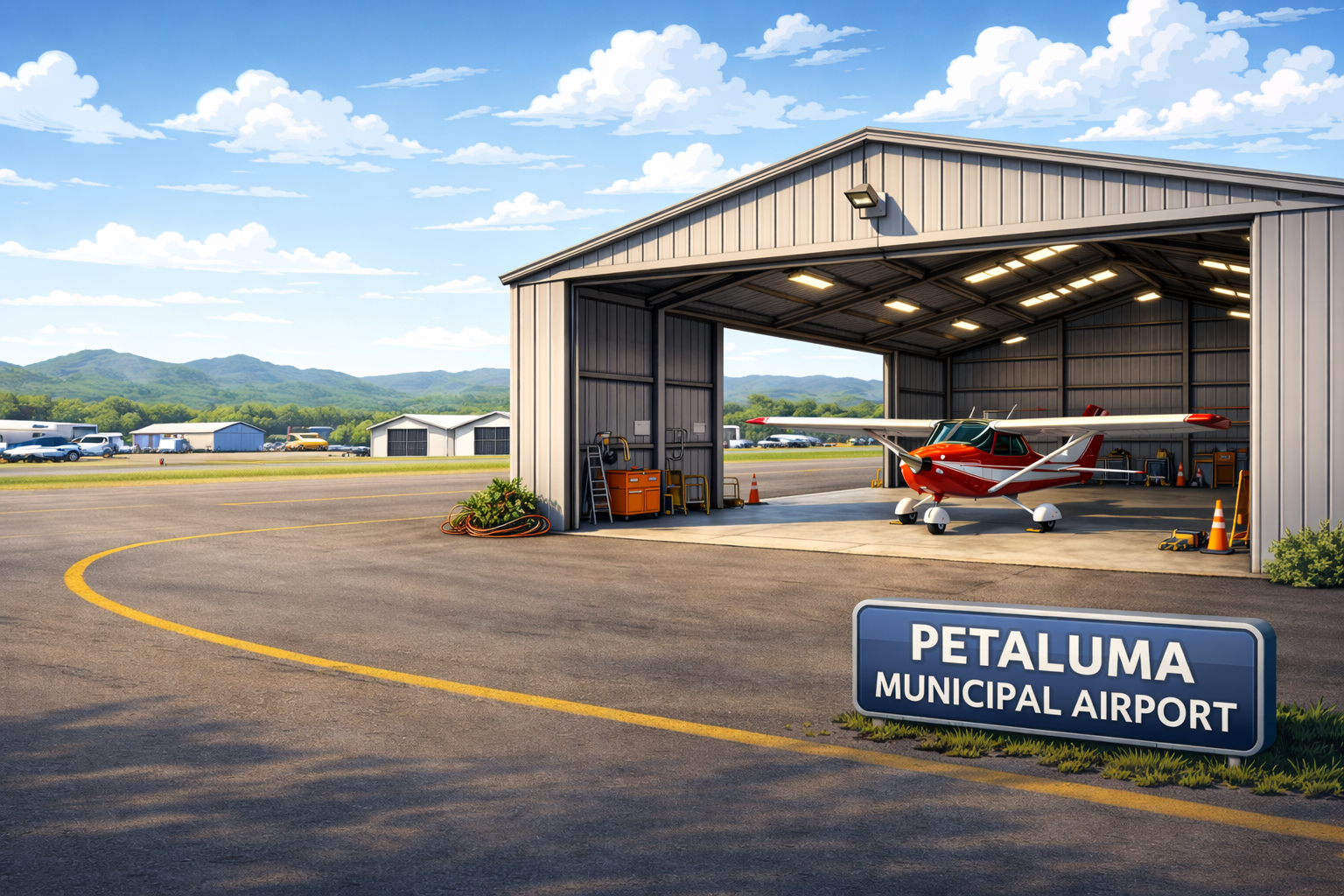
Generating the visuals for this project, including the plane models, the Petaluma Airport background, and the character of Jim, was made possible through AI image generation using ChatGPT. Through careful prompt engineering, I was able to maintain a consistent visual style across assets and generate images tailored to the specific context of each scenario. This gave me precise creative control over visuals that would have been difficult to source or commission otherwise.
This project was completed within a one-month timeframe, driven by the constraints of Articulate Storyline's free trial period. While this required prioritizing certain elements over others, it also pushed me to make efficient, intentional design decisions throughout the process. Given more time, I would expand the scenario library and explore additional branching complexity.